
Run the whole event from your phone.
Host mode lives inside the same Gemlo app your attendees use. The same tools are on the web at host.gemlo.app.
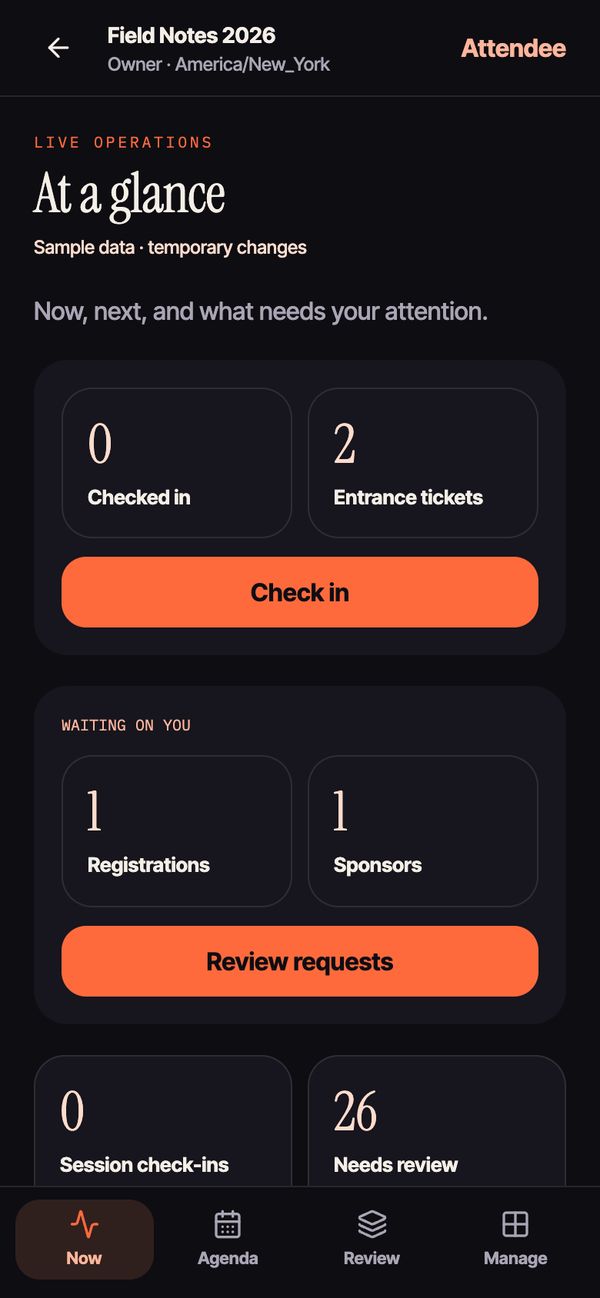
The day in your pocket.
- A live dashboard. Who’s checked in, tickets issued, requests waiting on you and takeaways to review.
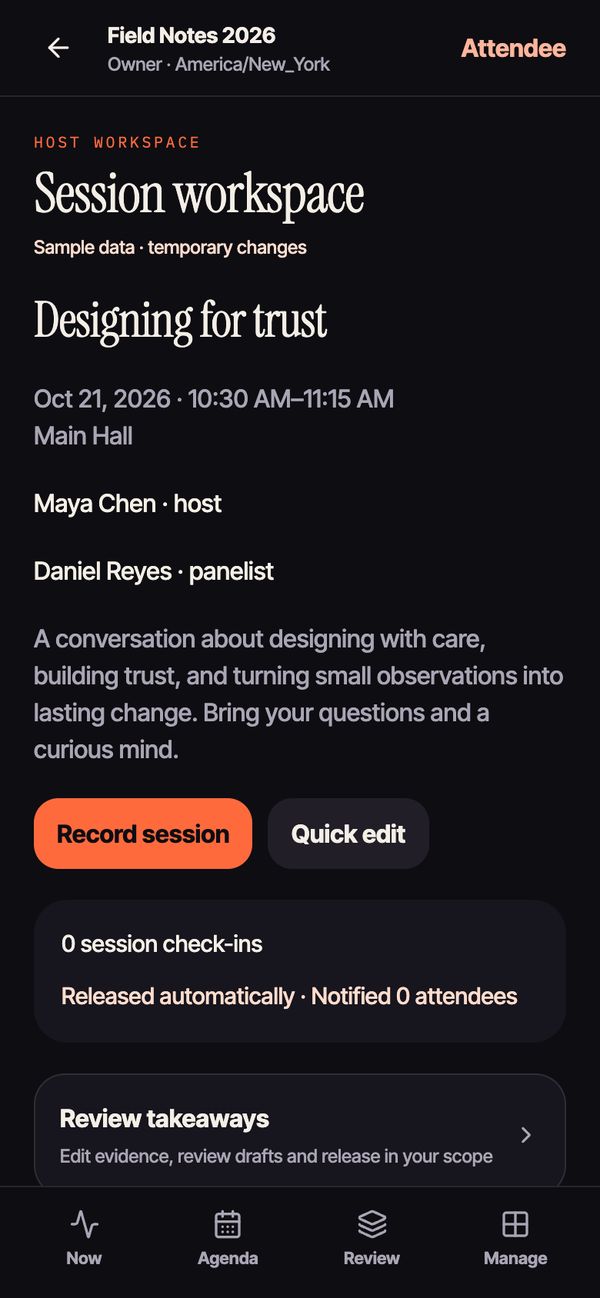
- Record in the room. Start a session recording on a phone, or paste a transcript.
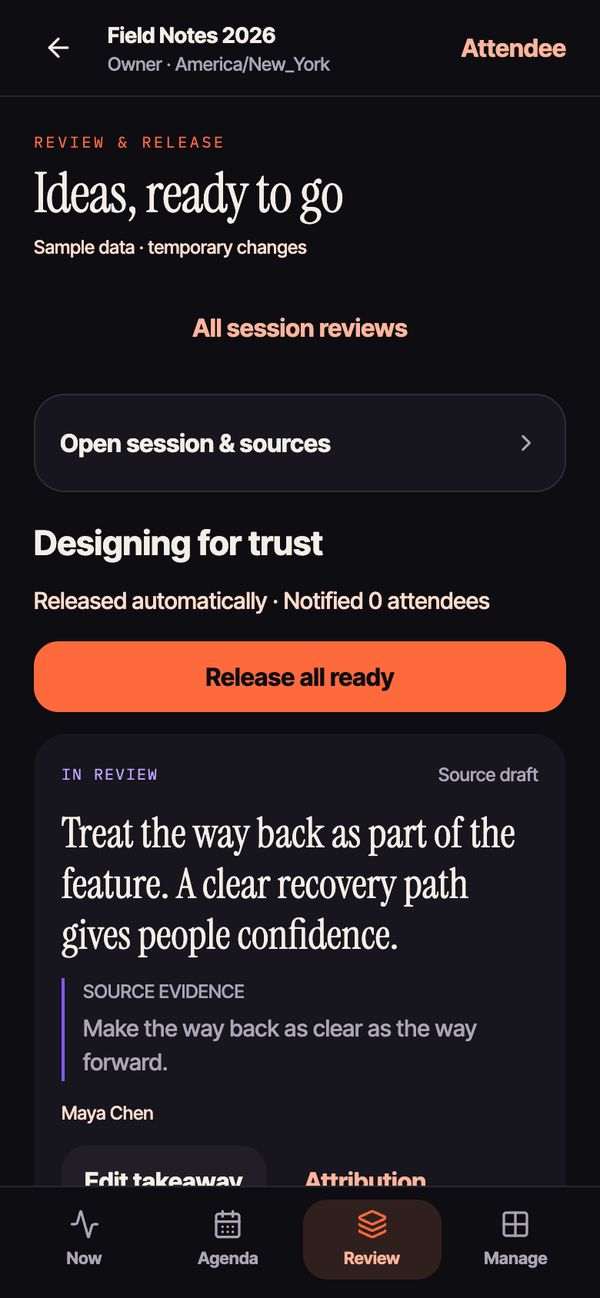
- Review every takeaway. Gemlo drafts them with the quote they came from (how it works). You edit, release or reject. Automatic release is optional.
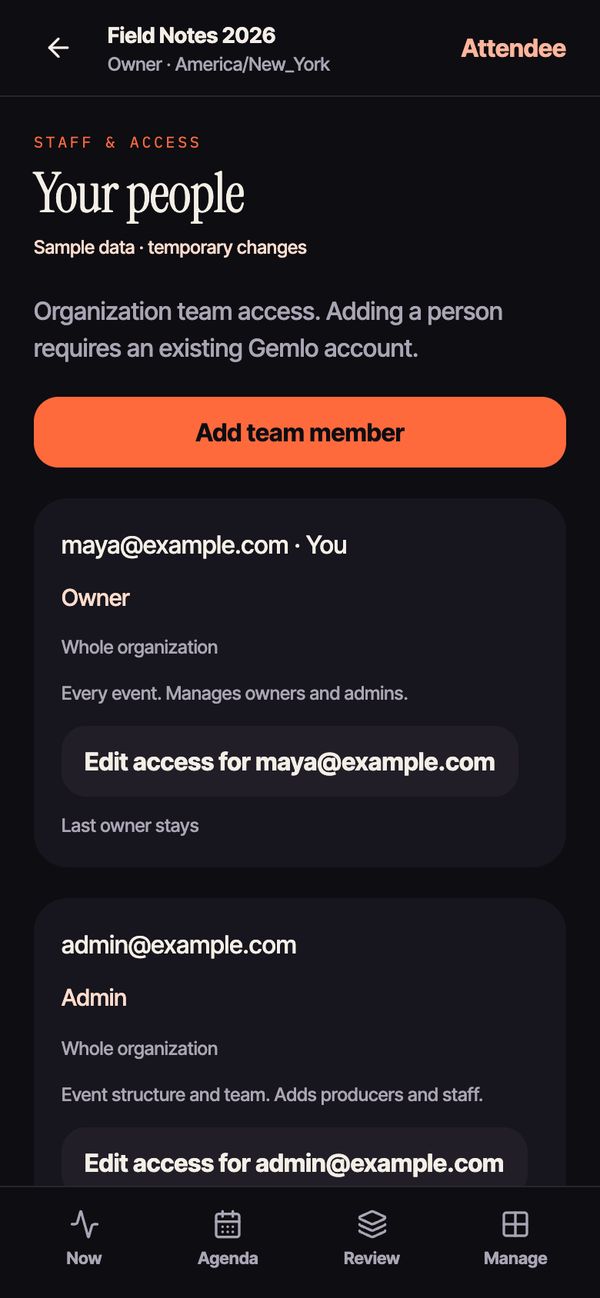
- Staff roles. Owners, admins, producers and staff, each limited to what their job needs. Staff can draft and work the door; a producer releases.
Sell it, cap it, approve it.
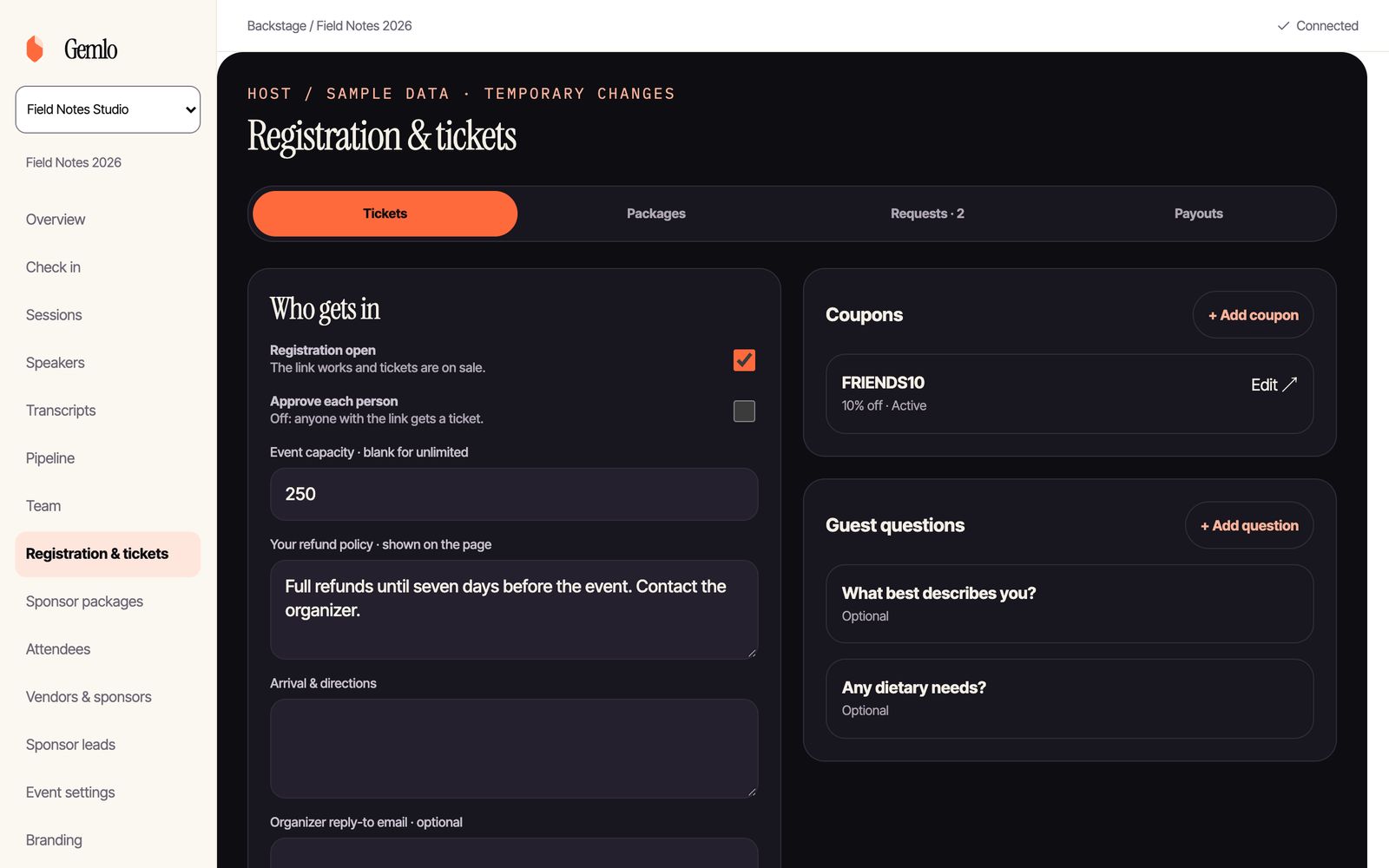
- Free and paid tickets, with capacity and your refund policy on the page.
- Coupon codes, as a percentage or a fixed amount off.
- Approve each person when you want a say in who comes, and add your own questions to the form.
- Paid by card through Stripe Checkout, into the Stripe account you connect.
They apply to you.
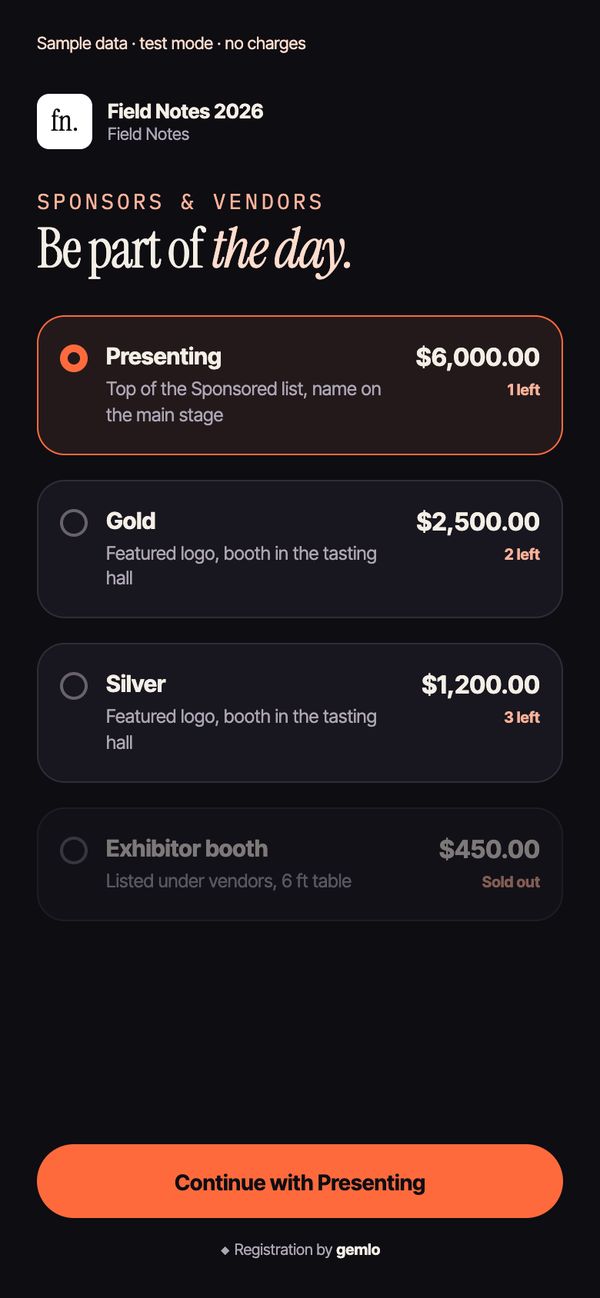
- Packages with benefits. Share one link. Companies pick a package and apply.
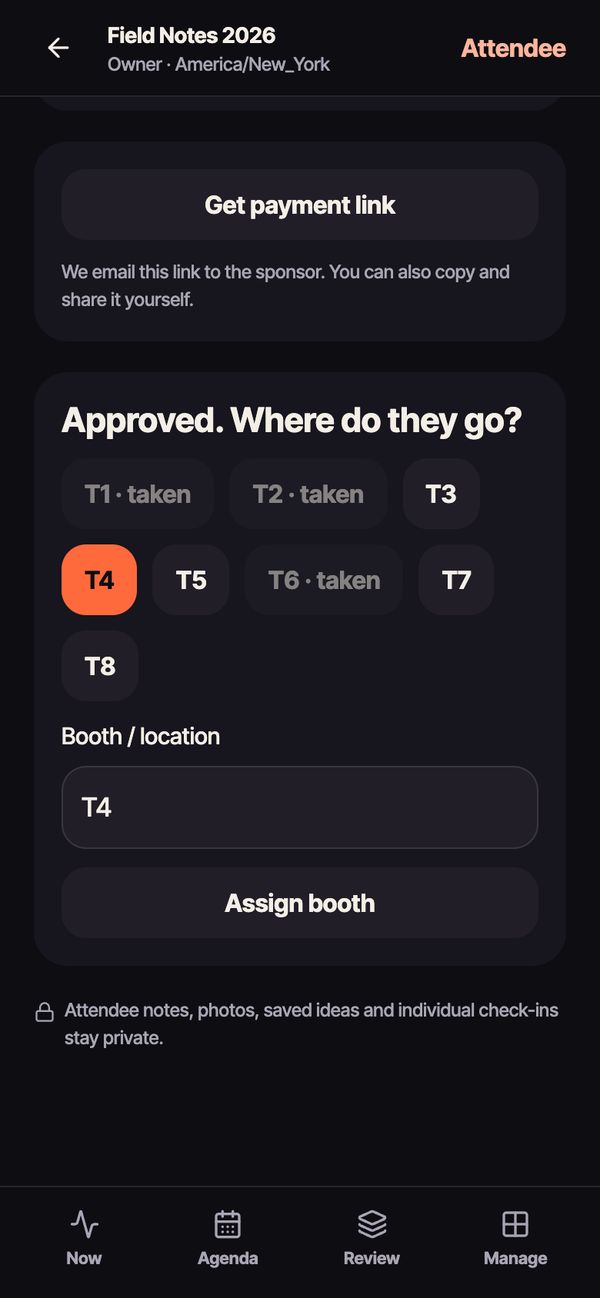
- Approve, then assign a booth. Tap a spot like T4 and it goes on their pass.
- Pay now or after approval. Gemlo emails the payment link once you approve.
Green means welcome.
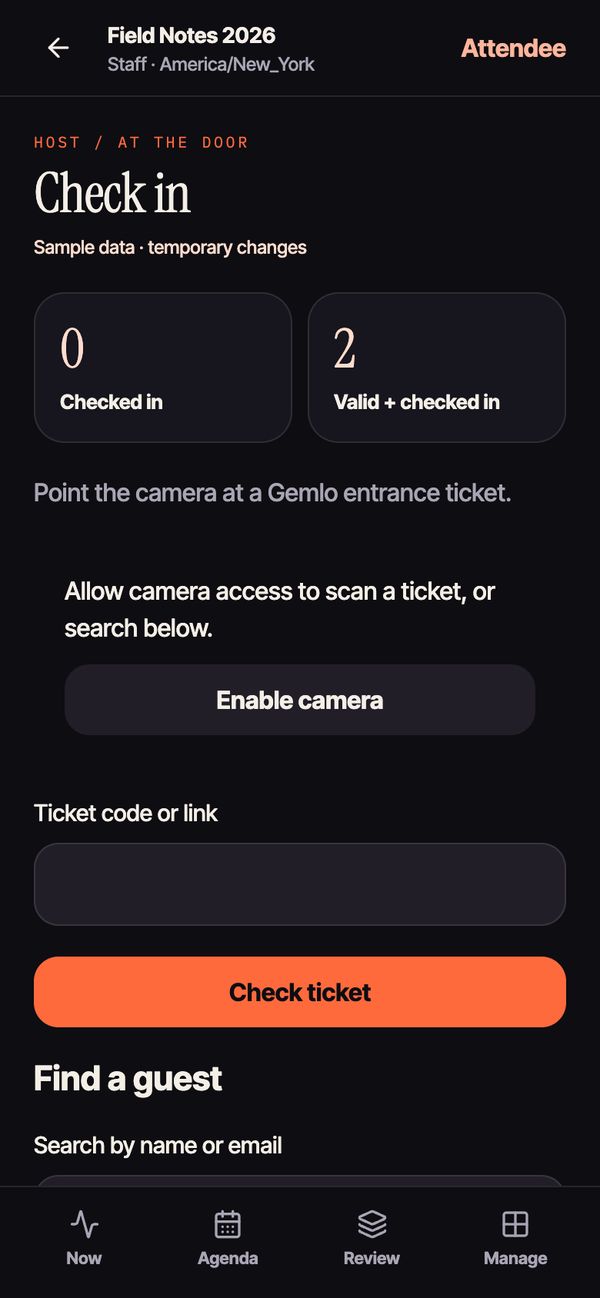
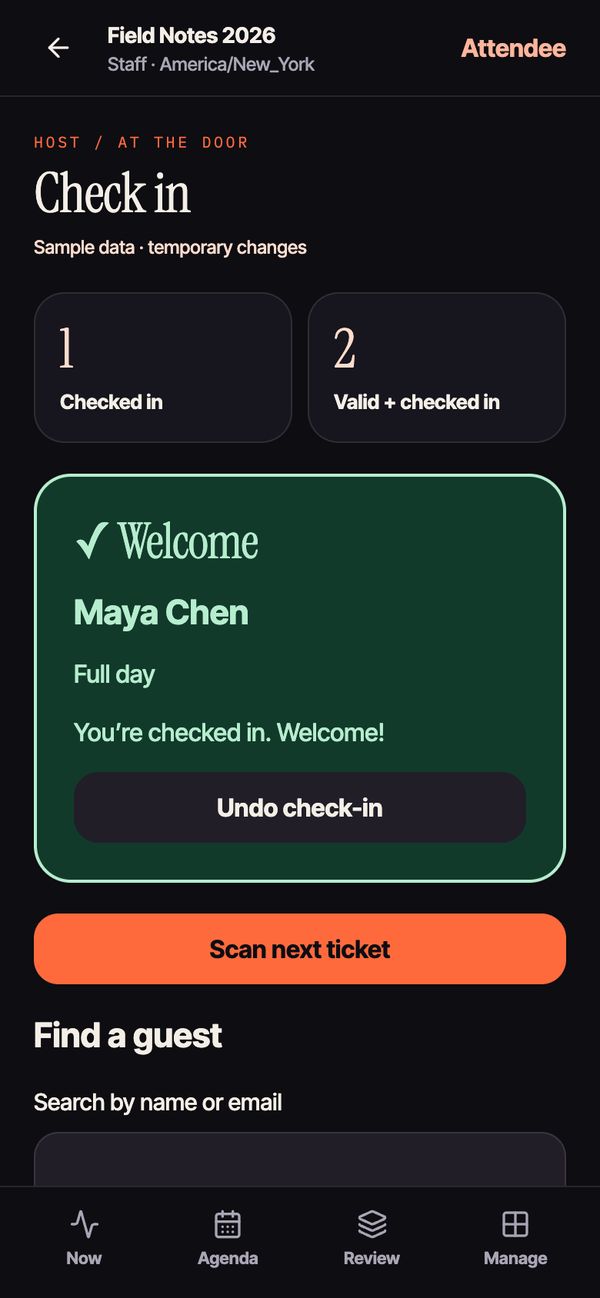
- Scan the QR on a staff phone. Green for welcome, amber if they’re already in, red if the ticket isn’t valid.
- Undo a mistake or search by name or email when someone forgot their phone.
- A live count that refreshes every few seconds, on phones and on the web.
A ticket in every inbox.
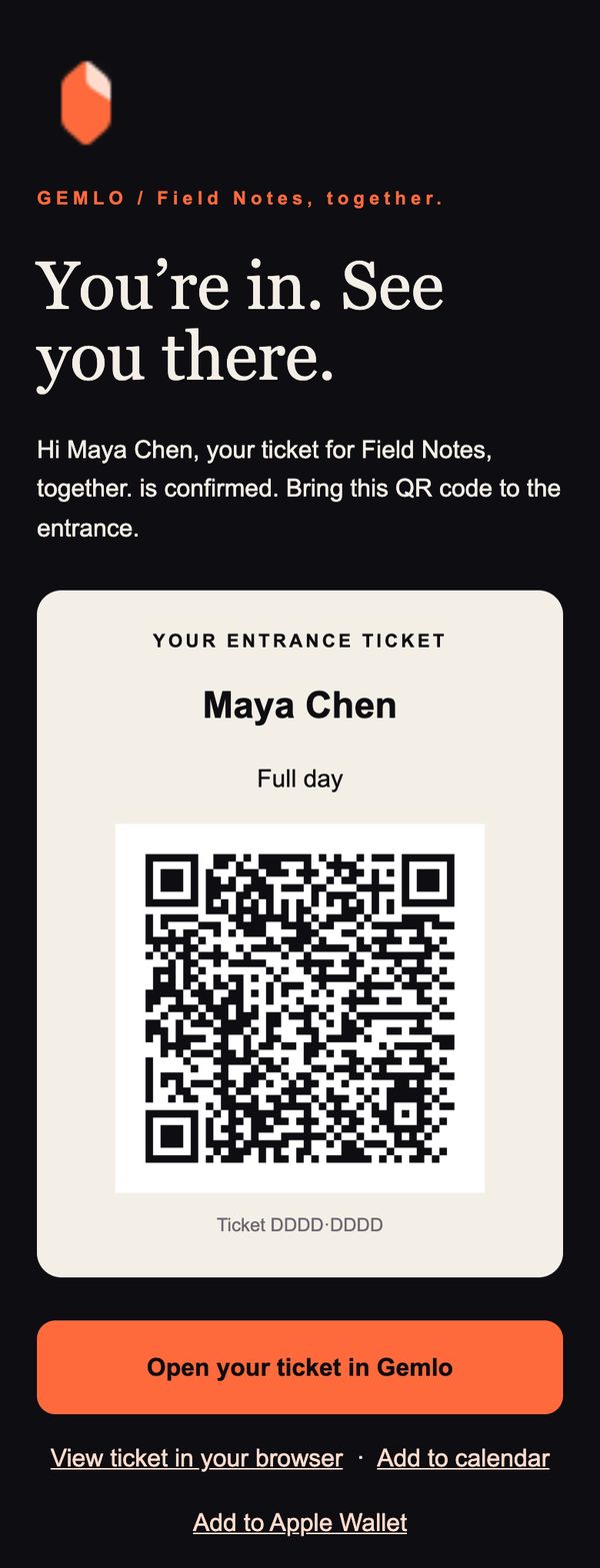
- Confirmation emails with the QR, the receipt, the time in the event’s time zone, the address and your arrival notes.
- Add to Apple Wallet or to their calendar in one tap.
- Replies go to you. Set your own reply-to address.
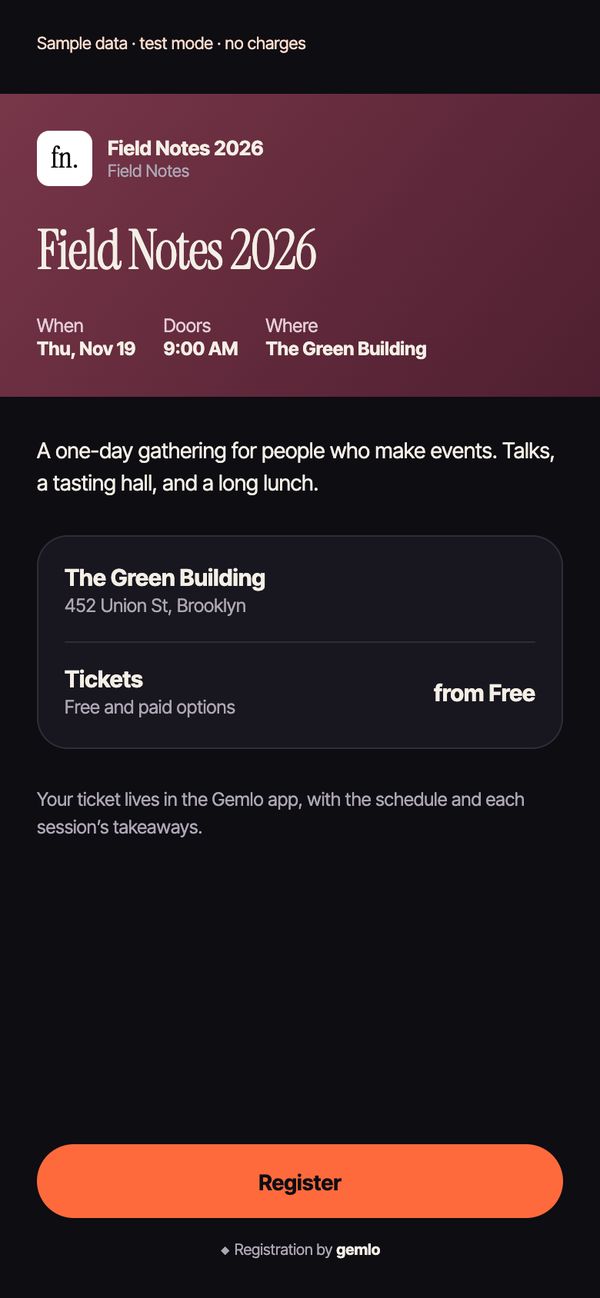
- Link previews that look like your event. Registration, sponsor and invite links show your event’s name, date and venue when shared in a chat.
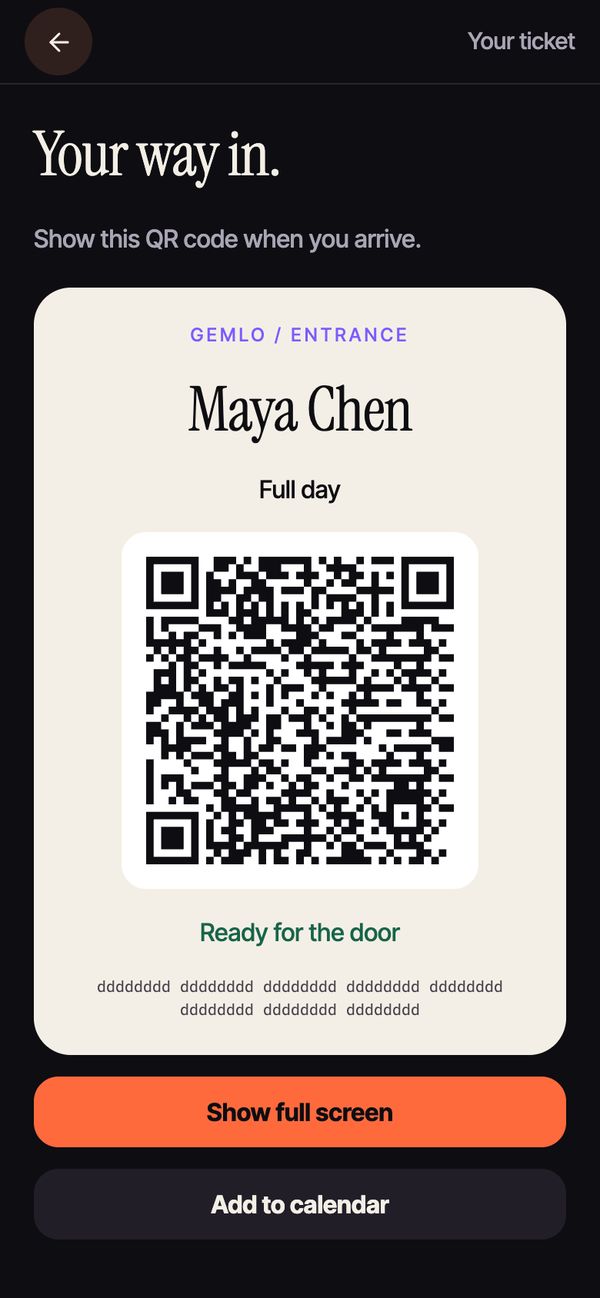
- The ticket lives in the app too, ready full screen and kept on the phone for spotty signal.
Real screens from the current app and web console. Sample event shown.
Meet people.
Keep your number.
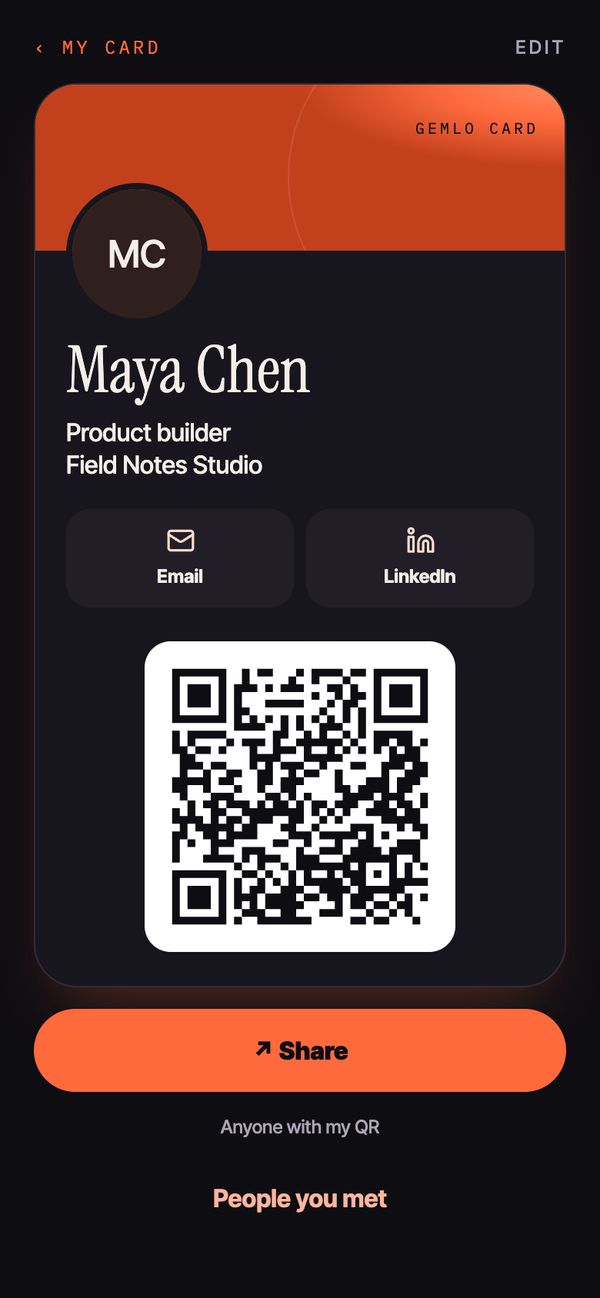
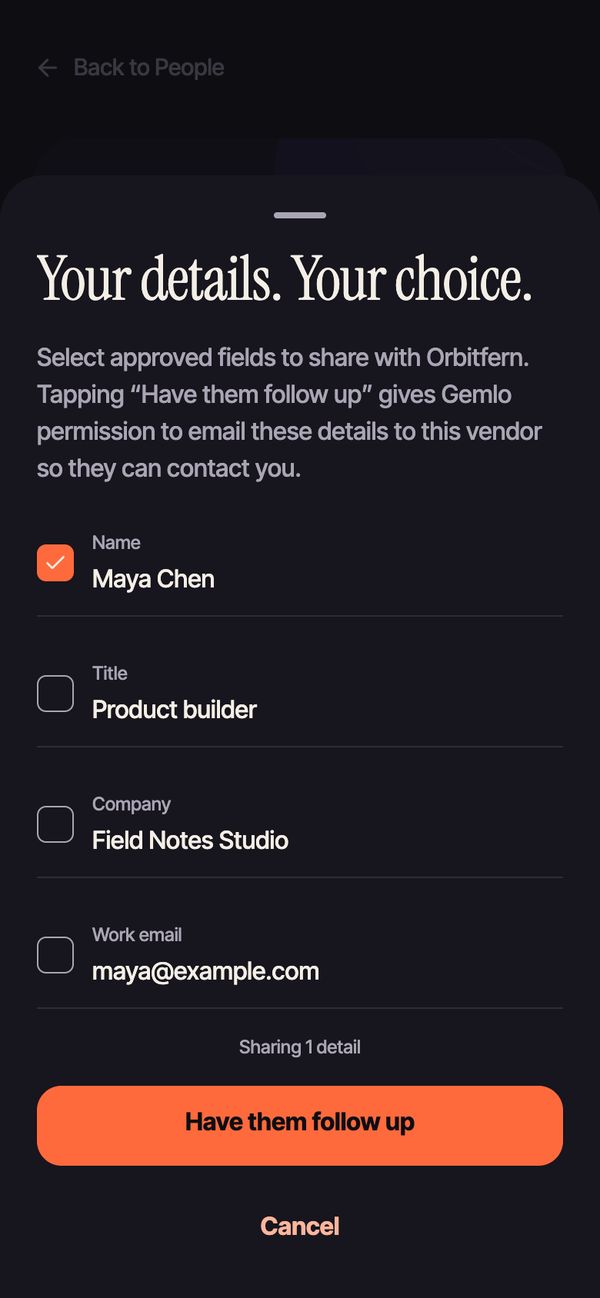
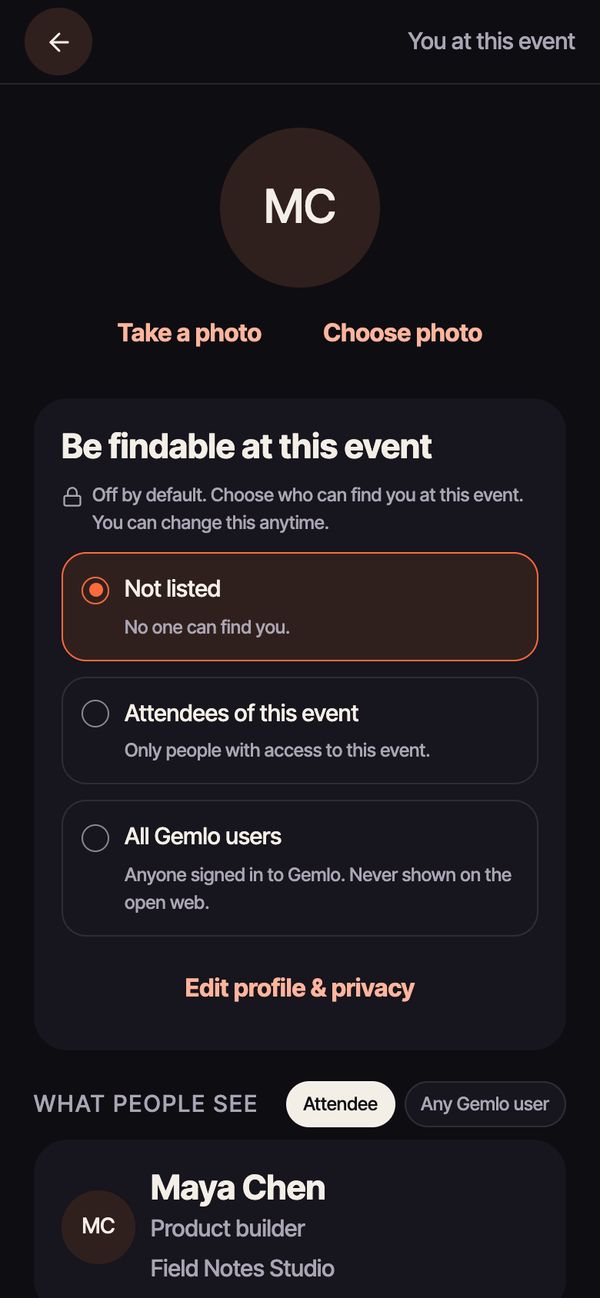
Swapping details is easy; leaking them is hard. Every share is the attendee’s tap and their chosen fields.
WhoWhat they see
YouEverything: your notebook, notes, kept gems and photos.
Other attendeesNothing, unless you turn on “Be findable” or swap cards. Then only the fields you chose.
Sponsors and vendorsOnly the fields you pick when you tap to share. For a vendor follow-up, Gemlo emails those fields to the vendor’s contact after the day’s sessions. Undo before then and nothing is sent.
The organizerYour email, that you joined, what you entered to register, and any details you chose to share with their sponsors. Never your notes, photos or which gems you kept.
Export your data or delete your account from the app. Read the privacy policy
Your event. Your final say.
Tell us about your event and we’ll set it up with you.
Bring Gemlo to your eventSign in to the console